Nayax is a separate company that owns the credit card reader. You should have received an email from them asking you to create an account. Once your account is set up, you may need to complete some additional steps. For guidance, see Step 0 in our AI Cooler Quick Start Guide.
If you encounter any issues with the credit card terminal, you will need to contact Nayax directly, as we do not have access to their systems. You can reach them by:
Phone: Try calling their support line.
Support Ticket: Submit a request here.
These are the primary ways to get assistance from Nayax.
You can check the reason your product was rejected by logging into your online dashboard:
On Desktop: Go to My Products → Apply Product for AI Fridge, and check the Audit Result column for the rejected product.
On Mobile: Go to Product Database → AI Product Application, then click Detail on the rejected product.
You’ll find an explanation for why the submission was rejected. Please retake the required issue photos and resubmit the product for approval.
Common reasons include:
The product isn’t on a pure white background (off-white, grey, gold, etc. are not allowed). Retake photos on a white background.
The barcode provided is incorrect or doesn’t match the photo. Verify and reapply.
The barcode photo is incomplete. Make sure the entire barcode is visible.
Product corners are cut off or the product is blocked by another object. Ensure the entire product is fully visible.
The photo is blurry. Take a clear photo.
The photo is too low resolution. Ensure it’s at least 600 × 600 pixels.
For non-standard or customized products without a barcode, you must create and attach your own barcode for AI training.
Yes. You can test the AI Cooler using a generator or portable power station. The cooler can draw about 500–600W. For testing, a generator or portable power station rated at 800W or more is sufficient to safely power one cooler at a time.
No, the AI Cooler is designed for normal indoor conditions, not freezing temperatures. Below-freezing temps can damage internal components and refrigerant. It’s fine in a garage if it stays above freezing (ideally above 45°F). If temps drop to 40°F or lower, use a space heater or move the machine to a warmer environment.
In the machine inventory settings page, shelves are numbered from 1 to 5, top to bottom. Shelf 1 is the topmost shelf, and shelf 5 is the bottom shelf.
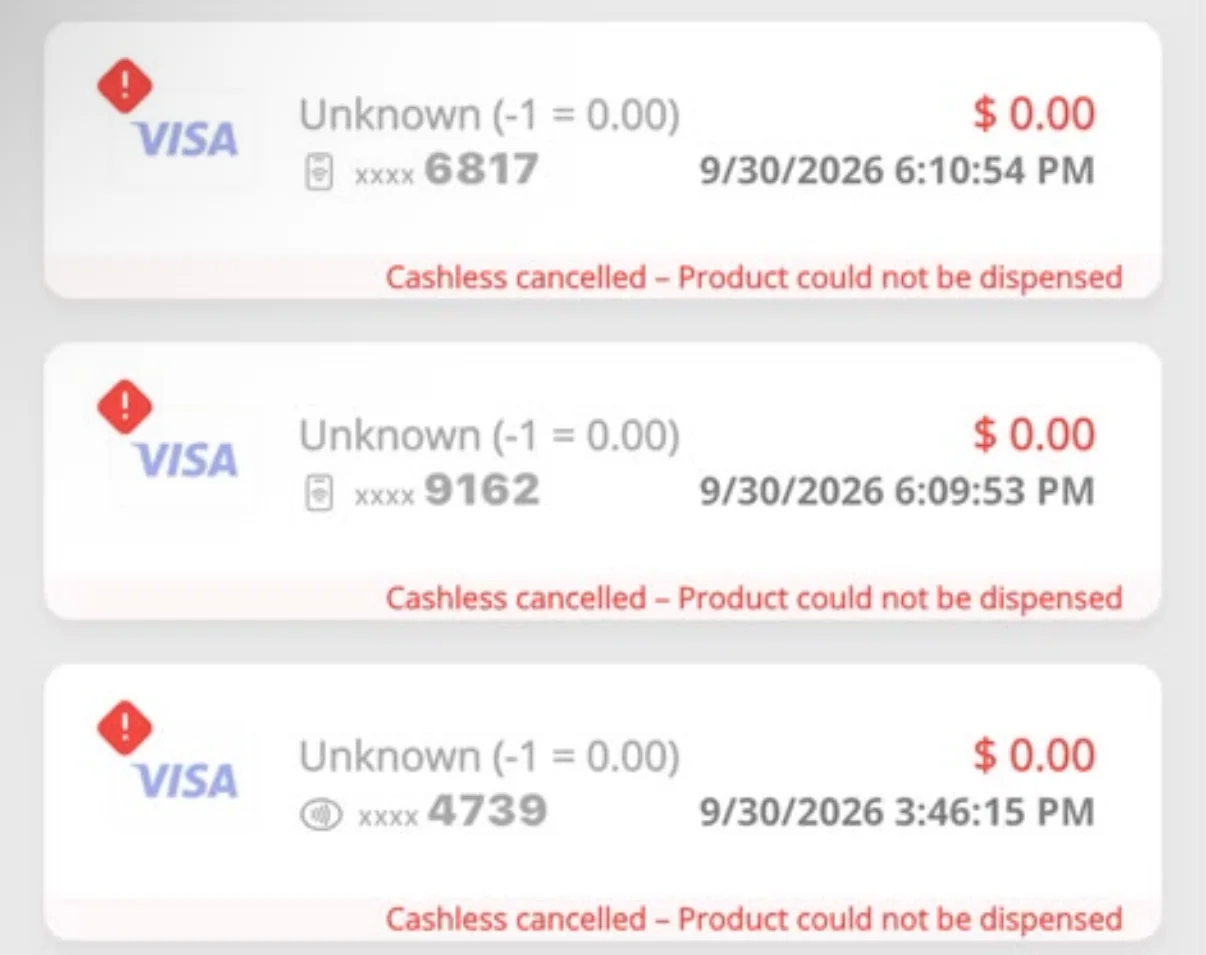
If you often see this error below, please contact Nayax using their contact info in FAQ#1 above to update the software version of your Nayax reader to the latest version.